
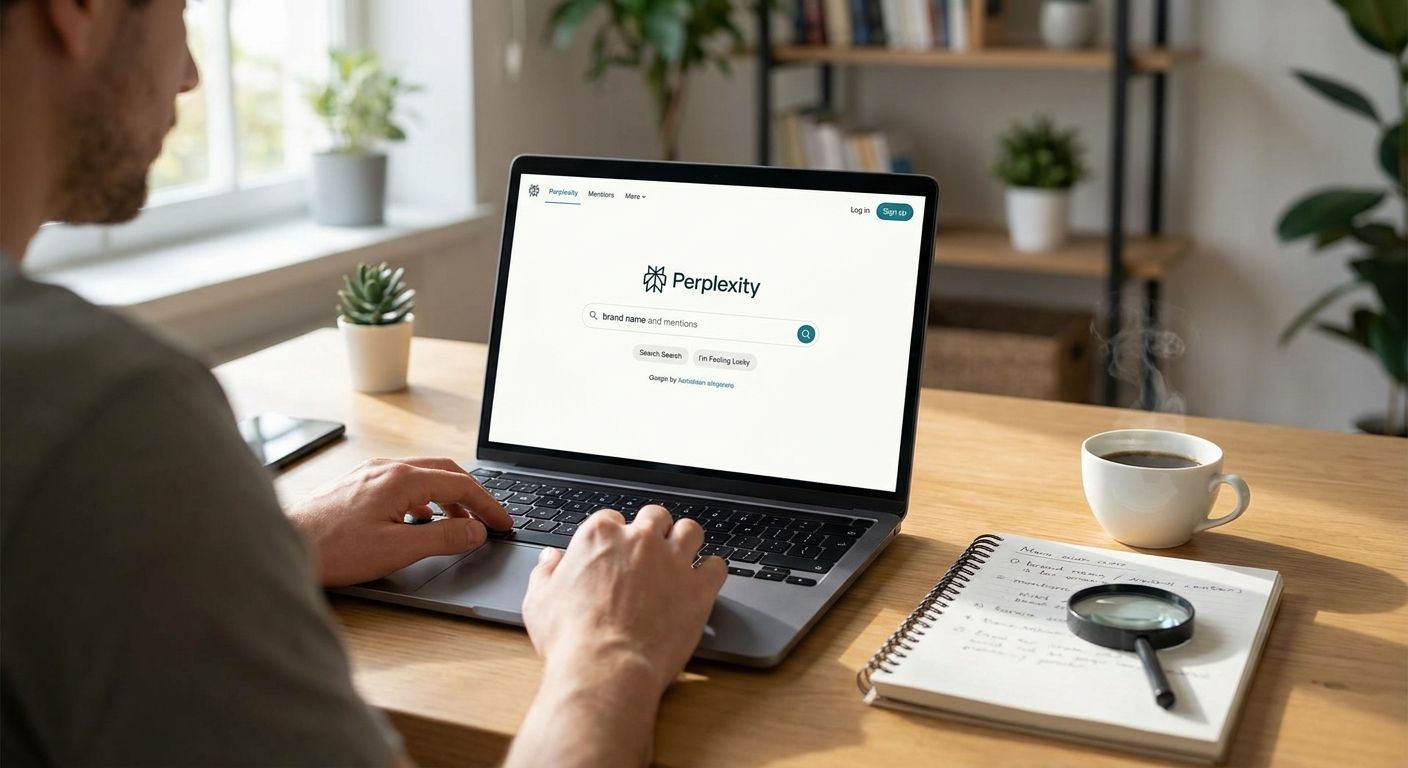
Track brand mentions in Perplexity by running a fixed set of prompts through the tool on a repeatable schedule and logging three separate things for each answer: the citation (the source URL Perplexity pulls from), the mention (your brand name appearing in the text), and the recommendation (Perplexity telling the reader to actually choose you). Checking a handful of prompts by hand works fine for a one-off audit in 2026, but the citations change week to week as Perplexity re-crawls sources, so a single check tells you almost nothing about your trend.
- Track brand mentions in Perplexity by running a fixed prompt set weekly and logging citations, mentions and recommendations separately.
- A citation names your source URL, a mention names your brand, a recommendation tells the reader to pick you — they are not the same signal.
- Manual checking holds up under roughly 10 prompts; past that, automated AI visibility tracking like Koalr scales the workload.
- Perplexity's Focus mode (Web vs Academic vs Social) changes which sources get cited, so test in the mode your buyers actually use.
Why this matters
Perplexity answers a question and shows its work — numbered citations like [1] and [2] link straight to the pages it pulled from. That's different from ChatGPT or Gemini, where sourcing is less visible and sometimes absent entirely. If your brand shows up as a citation in Perplexity, you can trace exactly which page earned it, which means you can also lose it the next time that page gets outranked or de-indexed.
Most marketing teams still measure this the way they measure organic search: check once, screenshot it, move on. That misses the point in 2026 — Perplexity answers are not static search results, they regenerate per query, per session, sometimes per Focus mode. Tracking brand mentions in Perplexity only works as a repeated, structured process, not a one-time snapshot. An AI visibility tracking platform exists specifically to run that process on a schedule instead of leaving it to whoever remembers to check.
How to track brand mentions in Perplexity answers
Here's the process, step by step:
- Build a prompt set of 20 to 40 queries that mirror how your buyers actually phrase questions — not just your brand name, but category questions like "best [category] for [use case]" and comparison questions like "[competitor] vs [your brand]".
- Run each prompt in Perplexity using the same Focus mode every time (default Web mode is the closest match to how most buyers use it).
- Log the citation separately from the mention. A page can be cited without your brand being named in the answer text, and your brand can be named without a citation link back to you.
- Flag recommendations explicitly. Perplexity sometimes lists options with a clear pick ("X is the best choice for small teams") — that's a stronger signal than a passing mention and worth tracking on its own line.
- Repeat on a fixed cadence, weekly rather than monthly, since Perplexity's sources shift as it re-crawls the web and as new content gets published.
- Compare against competitors named in the same answers to build a Share of Voice view — how often you're cited relative to the two or three brands Perplexity keeps naming.
Manual tracking vs automated tracking
| Method | How it works | Best for | Limitation |
|---|---|---|---|
| Manual checking | Run prompts one by one in Perplexity's interface, note results by eye | Small prompt sets, one-off spot checks | No history, no trend, breaks down past a handful of prompts |
| Spreadsheet logging | Copy each answer and its cited sources into a sheet | Teams testing the process before committing | Time-heavy, easy to miss Focus-mode differences |
| Automated AI visibility tracking | Runs the same prompt set on schedule, stores every citation, mention and recommendation automatically | Teams tracking Share of Voice across Perplexity, ChatGPT, Gemini, Claude and Copilot | Requires a dedicated platform rather than ad-hoc checking |
A B2B SaaS team tracking AI visibility typically needs the automated column the moment they're running prompts across more than one buyer persona — manual logging stops being reliable once the prompt set grows past what one person can check in a sitting.
Why Perplexity citations vary
A handful of factors explain why the same prompt returns different citations from one week to the next in 2026:
- Focus mode — Web, Academic, Social and other modes each pull from a different pool of sources, so a citation in one mode won't necessarily show up in another.
- Prompt wording — small changes to phrasing ("best tool for X" vs "top X software") can shift which pages Perplexity treats as most relevant.
- Source freshness — Perplexity favors recently updated or recently published pages, so a stale page can drop out of citations even if it ranked well before.
- Competitor content changes — a competitor publishing a comparison page or updated guide can displace your citation without anything on your side changing.
- Session and account context — signed-in users and Perplexity Pro accounts can surface different source mixes than logged-out, default sessions.
Is a Perplexity citation the same as a mention?
No — a citation is a numbered source link back to a specific page, while a mention is just your brand name appearing in the answer text, and the two don't always travel together. A page can earn a citation without the brand name showing up in the visible answer, and a brand can be named in passing with no citation link attached at all. Tracking both separately is what makes the difference between a citation and a mention (and a recommendation) useful rather than confusing.
How often should you check Perplexity for brand mentions?
Weekly checks catch the drift that monthly checks miss, since Perplexity's source pool shifts continuously rather than on a fixed schedule. A monthly check will show you that something changed but rarely tells you which week it happened or what triggered it, which matters if you're trying to connect a citation loss to a specific content change on your site or a competitor's.
Does Perplexity track brand sentiment, not just presence?
Perplexity itself doesn't publish a sentiment score, but the wording around a mention tells you the sentiment manually — whether your brand is named as the clear pick, listed as one option among several, or mentioned with a caveat. Logging the sentence, not just the brand name, is how you catch the difference between being cited and being recommended.
See your Perplexity citations in one dashboard
Track citations, mentions and recommendations across Perplexity and four other engines.
FAQ
How do you track brand mentions in Perplexity in 2026?
Run a fixed prompt set of 20 to 40 queries through Perplexity on a weekly cadence and log citations, mentions and recommendations as three separate signals. A one-time check won't show the week-to-week drift that matters most.
Is Perplexity citation tracking different from ChatGPT citation tracking?
Yes — Perplexity shows numbered inline citations linked to source URLs by default, while ChatGPT often names sources in prose without a linked citation. Tools built for one don't automatically cover the other.
What's the best way to build a Perplexity prompt set?
Start with 20 to 40 prompts covering category questions, comparison questions, and use-case questions your buyers actually ask, not just branded search terms. Run the same set every week so results are comparable over time.
Can you track Perplexity mentions manually with a spreadsheet?
Yes, for small prompt sets under roughly 10 queries a spreadsheet works fine. Past that volume, manual logging misses Focus-mode differences and stops catching week-to-week changes reliably.
Does Perplexity's Focus mode change which brands get cited?
Yes — Web, Academic and Social Focus modes each pull from different source pools, so a brand cited in default Web mode may not appear at all in Academic mode. Test in the mode your buyers actually use.
How is a Perplexity recommendation different from a mention?
A mention is your brand name appearing anywhere in the answer text, while a recommendation is Perplexity explicitly telling the reader to pick you over alternatives. Recommendations are the stronger, rarer signal worth tracking on their own line.
Do you need a paid tool to track brand mentions in Perplexity?
Not for a handful of prompts, but Share of Voice tracking across Perplexity, ChatGPT, Gemini, Claude and Copilot at scale needs automated logging rather than manual checks. Koalr runs prompt sets on schedule for exactly this reason.
What should you log for every Perplexity answer?
Log the prompt wording, the Focus mode used, whether your brand was cited, whether it was mentioned in text, and whether it was explicitly recommended. Those four fields turn one screenshot into a trackable trend.
One last thing
The Focus mode toggle is the detail most teams skip, and it's the one that changes results the most: a prompt that cites your product page in default Web mode can return zero mentions of your brand in Academic mode, because Academic mode pulls from an entirely different source pool. Before concluding you've "lost" a citation, check whether the mode changed — not just the week.