
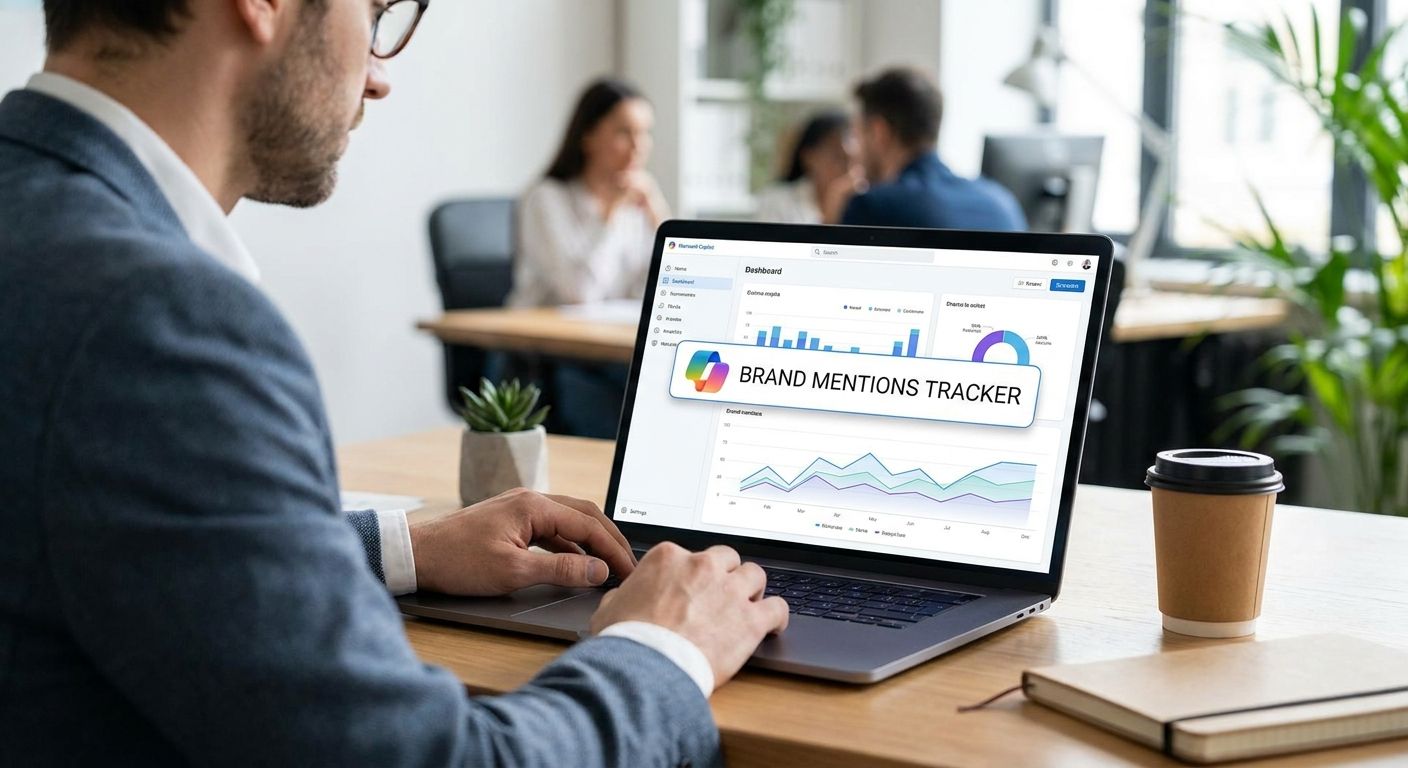
Track brand mentions in Microsoft Copilot by running a fixed set of prompts against Copilot on a schedule and logging whether your brand gets named, cited with a source link, or actively recommended over competitors. Copilot pulls from the Bing index and blends it with generative output, so the same prompt can return a different answer depending on the surface - Bing Chat inside Edge, Windows Copilot, or Microsoft 365 Copilot. There's no public API for citation monitoring in 2026, so manual prompt runs or a dedicated GEO tracking tool are the only two ways to get real data.
- Copilot has no public mention-tracking API in 2026 - manual prompt runs or a GEO tool are the only options.
- Bing Chat, Windows Copilot and Microsoft 365 Copilot can return different answers to the same prompt.
- Koalr tracks brand mentions in Copilot alongside ChatGPT, Gemini, Perplexity and Claude from one dashboard.
- A citation (linked source) and a recommendation (named as the best option) are different signals - track both separately.
Why this matters
Marketing teams built Google rank-tracking habits over two decades: keyword position, SERP snapshot, rinse and repeat. Copilot breaks that habit. There's no keyword position, no SERP, and no guarantee the same query run twice returns the same answer.
If your brand isn't showing up when a buyer asks Copilot to compare vendors, you lose the recommendation before it ever shows up as a lost click in Google Analytics. Share of Voice inside Copilot answers is a separate metric from Share of Voice in Google, and most marketing teams aren't measuring it at all going into 2026.
How to track brand mentions in Microsoft Copilot
Running this properly takes five repeatable steps, not a one-off search:
- Build a prompt set. Write 15-30 real buyer queries - "best project management tools for remote teams," "is [competitor] good for enterprise" - phrased the way a buyer actually types them, not the way you'd write an SEO title.
- Run each prompt on every Copilot surface. Bing Chat in Edge, Windows Copilot, and Microsoft 365 Copilot (if your buyers use it internally) can each return a different answer to the identical prompt.
- Log three signals per response: was the brand named at all, was it cited with a linked source, and was it recommended as the top pick.
- Repeat on a fixed schedule - same wording, same cadence - so drift over time is real drift and not prompt variance.
- Track competitor names in the same responses to build Share of Voice, not just a yes/no on your own brand.
A platform like Koalr automates steps 2 through 5: it runs the prompt set on schedule, stores every response, and flags when a competitor starts getting cited where your brand used to sit.
Manual Copilot checks vs automated tracking
| Method | Best for | Pros | Cons | Verdict |
|---|---|---|---|---|
| Manual prompt runs | A brand checking a handful of prompts occasionally | No subscription cost, full control over wording | Time-consuming past 10-15 prompts, no stored history, easy to forget the schedule | Hold |
| GEO tracking platform | Teams tracking Copilot plus ChatGPT, Gemini, Perplexity and Claude | Scheduled runs, stored history, competitor Share of Voice built in | Requires a subscription | Buy for anyone tracking more than one surface |
The verdict for most marketing teams heading into 2026: manual checks are fine for a spot-check, but tracking Copilot mentions on a real schedule alongside other AI answer engines needs a tool built for it.
Why Copilot mention tracking is harder than ChatGPT or Google
- No public API. Unlike search consoles, there's no official endpoint to pull citation data from Copilot in 2026.
- Three separate surfaces. Bing Chat, Windows Copilot and Microsoft 365 Copilot don't share one consistent output layer.
- Bing grounding means SEO and GEO overlap more directly here. Copilot draws on the Bing index, so classic Bing indexation and structured data still shape what gets cited.
- Personalization skews results. Microsoft 365 Copilot can factor in a user's tenant data and history, which manual testing outside that tenant won't replicate.
- Model updates change phrasing without notice. A prompt that surfaced your brand last month can return a different answer this month with no changelog to check.
- No stable output for identical prompts. Running the same prompt twice in the same day can return two different citation sets.
Does Microsoft Copilot have an API for tracking brand mentions?
No, Microsoft Copilot has no public API for tracking brand mentions in 2026. Third-party monitoring depends entirely on running real prompts against Copilot and recording what comes back, either by hand or through a GEO tracking platform built for that purpose.
Is a citation in Copilot different from a mention?
Yes - a citation in Copilot links back to a specific source page, while a mention just names the brand in the generated text with no link attached. A recommendation goes a step further and positions the brand as the top or preferred choice, which is the strongest of the three signals and the one worth tracking separately in any GEO audit.
How often should you check Copilot for brand mentions in 2026?
Weekly is the right baseline for a competitive category where buyers are actively comparing vendors through Copilot. A biweekly check is enough for lower-volume categories, but stretching past that risks missing a shift right when a competitor starts getting cited in your place.
Track Copilot mentions automatically
See exactly when Copilot names, cites or recommends your brand.
FAQ
What's the best way to track brand mentions in Microsoft Copilot in 2026?
The best way is a fixed prompt set run on a schedule across Bing Chat, Windows Copilot and Microsoft 365 Copilot, logging whether the brand is named, cited or recommended. Manual runs work for a handful of prompts; a GEO tracking platform is needed once you're checking Copilot alongside other AI answer engines.
Is Microsoft Copilot the same as Bing Chat?
Bing Chat is the version of Copilot built into Microsoft Edge and Bing search, while Windows Copilot and Microsoft 365 Copilot are separate surfaces with different integrations. All three draw on similar underlying technology but can return different answers to the same prompt.
Can ChatGPT tracking tools also track Copilot mentions?
Some tools built specifically for ChatGPT mention tracking don't extend to Copilot, since Copilot's Bing-grounded output behaves differently from ChatGPT's. A tool built across engines, like Koalr, tracks Copilot, ChatGPT, Gemini, Perplexity and Claude from one prompt set.
How is a mention different from a recommendation in Copilot?
A mention is a brand named in a response with no ranking implied, while a recommendation positions that brand as the best or preferred option for the buyer's question. Recommendations carry more commercial weight and should be tracked as a distinct metric from raw mentions.
Does Copilot show sources like Perplexity does?
Copilot often shows linked sources for factual claims, similar to Perplexity, but not every response includes a citation even when the brand is named. That gap between named and cited is exactly why tracking both signals separately matters.
Why does Copilot give different answers to the same prompt?
Copilot blends live Bing search results with generative output, and both the search results and the model's phrasing can shift between runs. Personalization in Microsoft 365 Copilot adds another layer of variance tied to the user's tenant data.
Should I track Windows Copilot and Microsoft 365 Copilot separately?
Yes, treat them as separate surfaces in your prompt tracking because they can return different citation sets for identical prompts. Combining the two into one dataset hides which surface is actually driving or losing your brand's visibility.
One last thing
Copilot grounds its answers in the Bing index, which means classic Bing SEO signals - structured data, clean indexation, clear entity markup - still shape what gets cited in 2026, even though the response itself is generative. Most teams treat Copilot as a black box; the ones getting cited are the ones who never stopped optimizing for Bing in the first place.